Udemy Blog
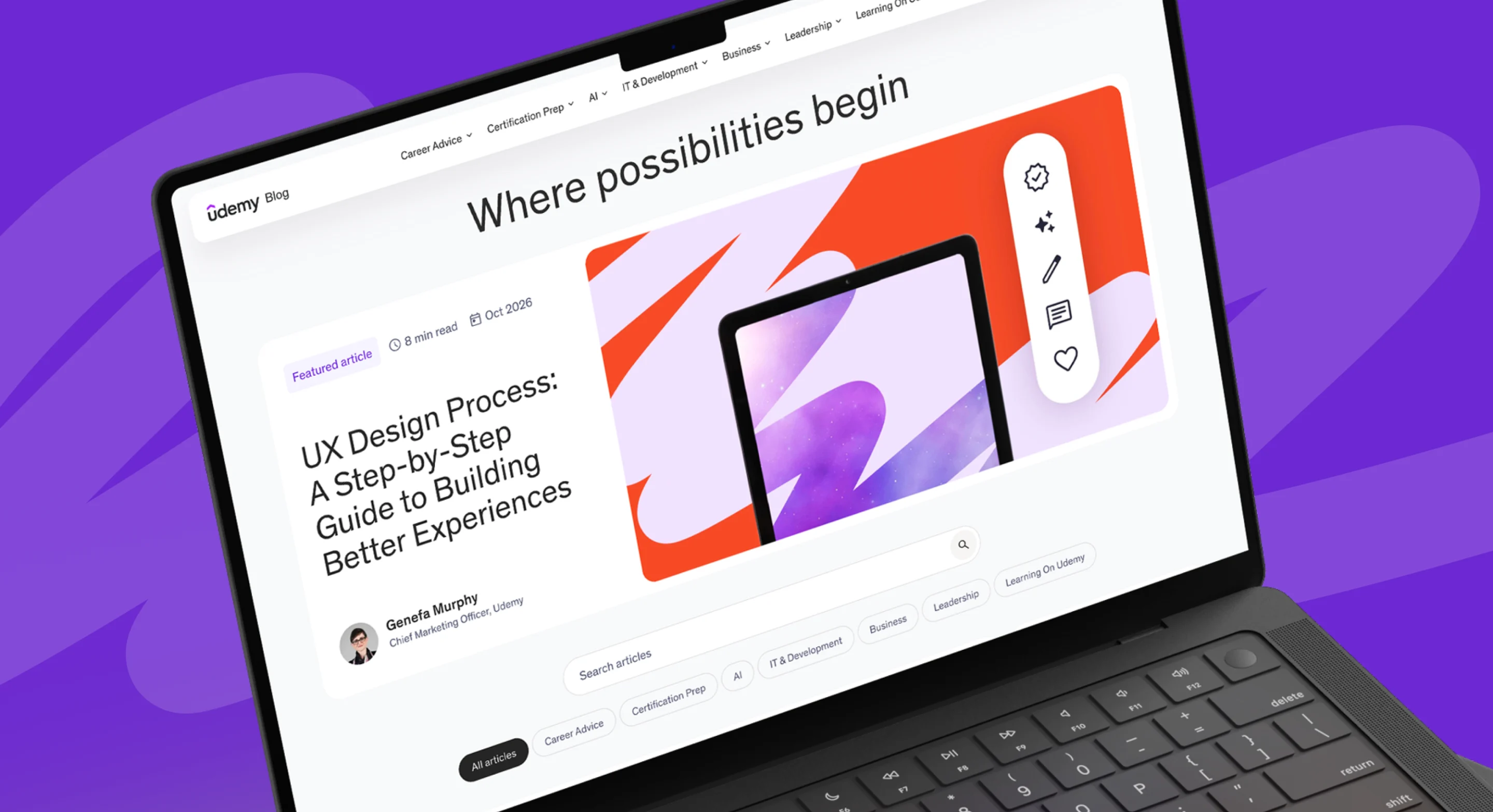
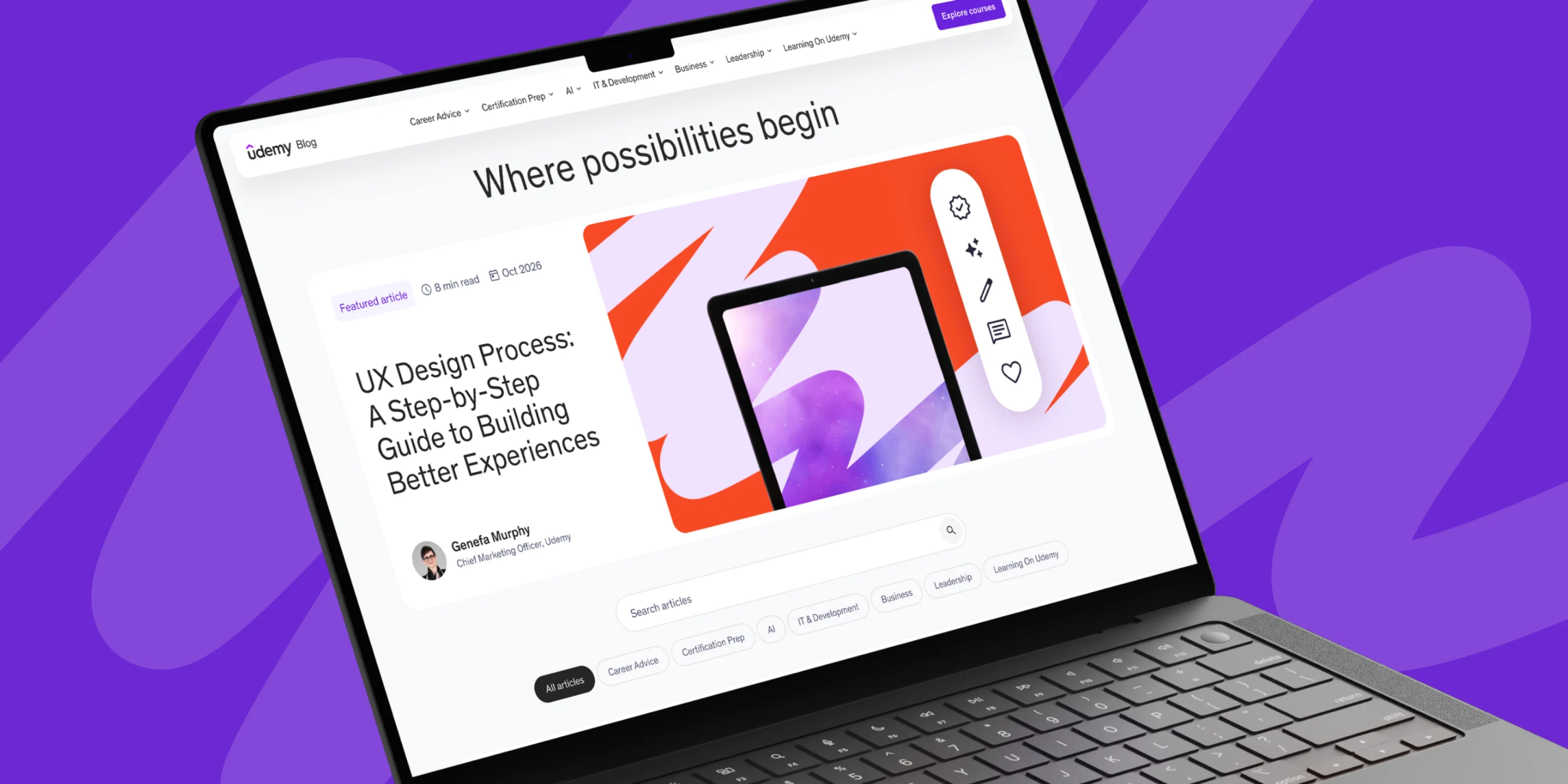
Sovereign helped Udemy turn an overlooked asset into a business growth driver. In under 30 days, we rebuilt the blog from the ground up and relentlessly optimized every element for speed and discoverability. It now connects the world with Udemy’s expertise and leads people directly to the courses behind it.
UX
Production Design
Development
Technical SEO
Challenge
Udemy’s blog should have been one of its strongest paths to the marketplace, but it was holding the business back. Poor technical SEO kept its content from being found. Even when readers did arrive, the blog had little way to feature content from Udemy.com, so their curiosity hit a dead end instead of turning into learning. Patching it wasn’t an option. It needed a complete rebuild from the ground up, delivered on a very short timeline, with unfinished designs and loosely defined requirements to resolve along the way.
Solution
We stepped in as technical leads with one goal: bring more people to the blog through search, then guide them to the marketplace. We helped Udemy define its functional and technical requirements and set a development strategy. Then we finished the UX and design and built a custom WordPress theme connected to Udemy’s internal and third-party APIs. The new blog launched in under 30 days, with page speed improved by XXX% and natural search position up XX%.
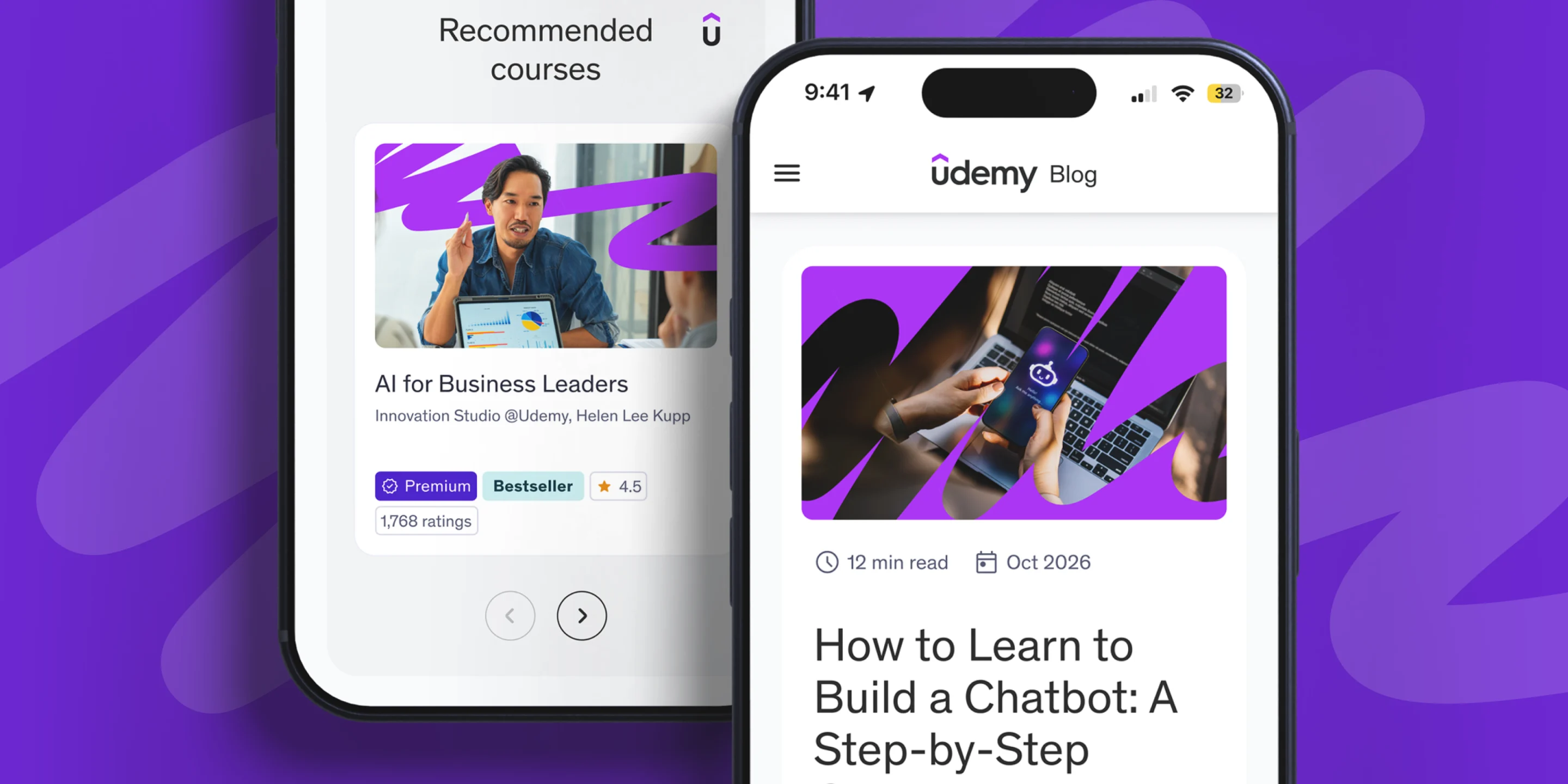
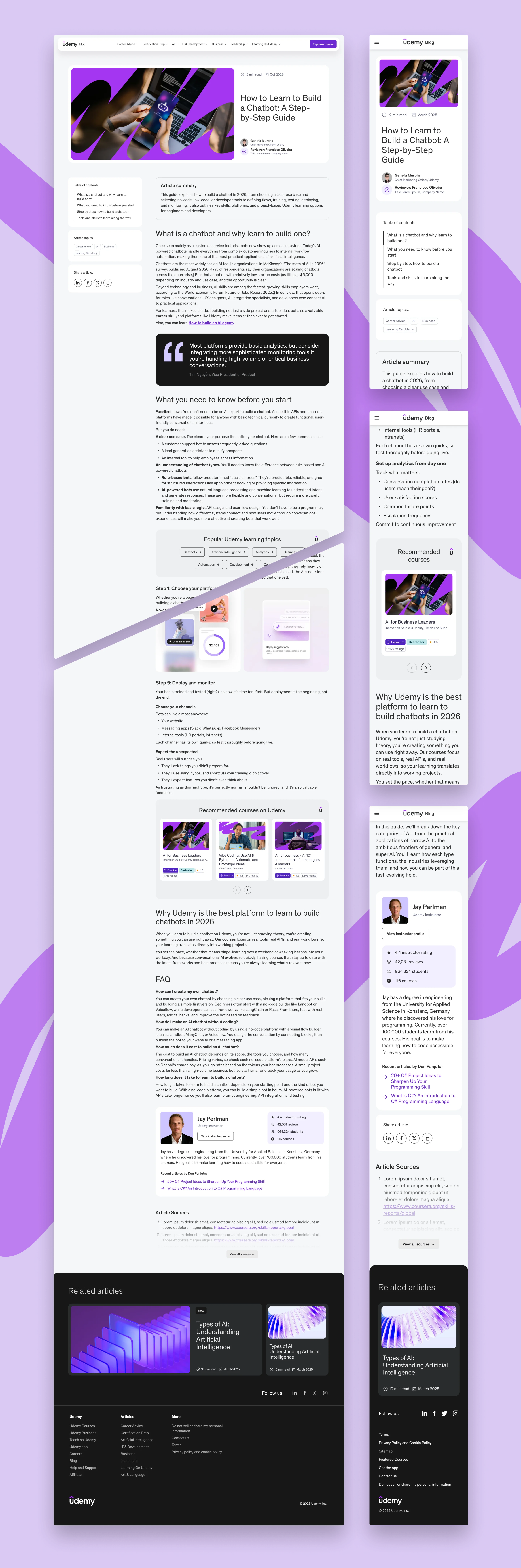
Every UX, design and development decision had one aim: to bring each visitor one step closer to Udemy’s experts and courses. The result is a lightning-fast, hyper-intuitive experience on any device, built to lead the results wherever curiosity begins.
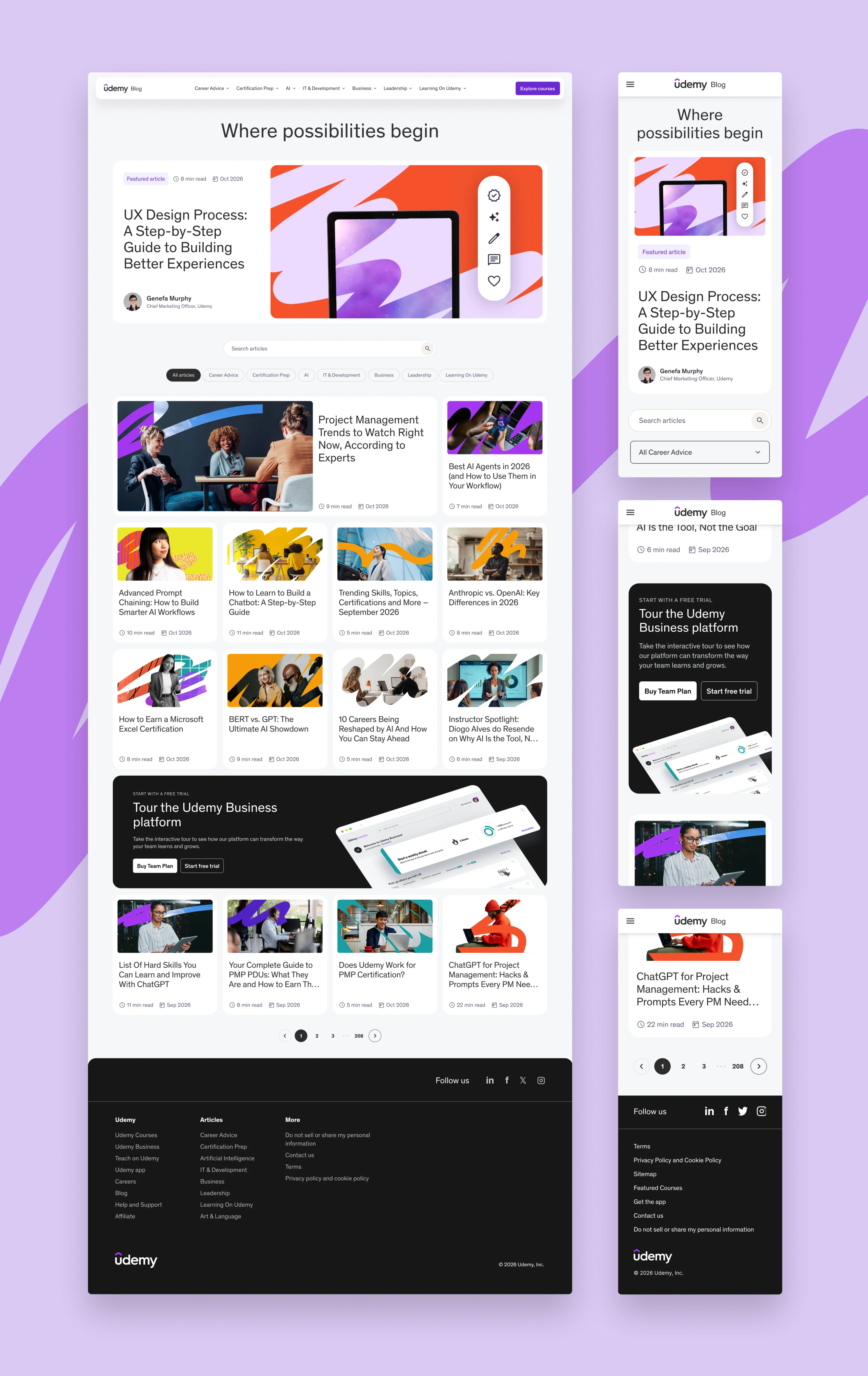
Effortless discovery, effortless management
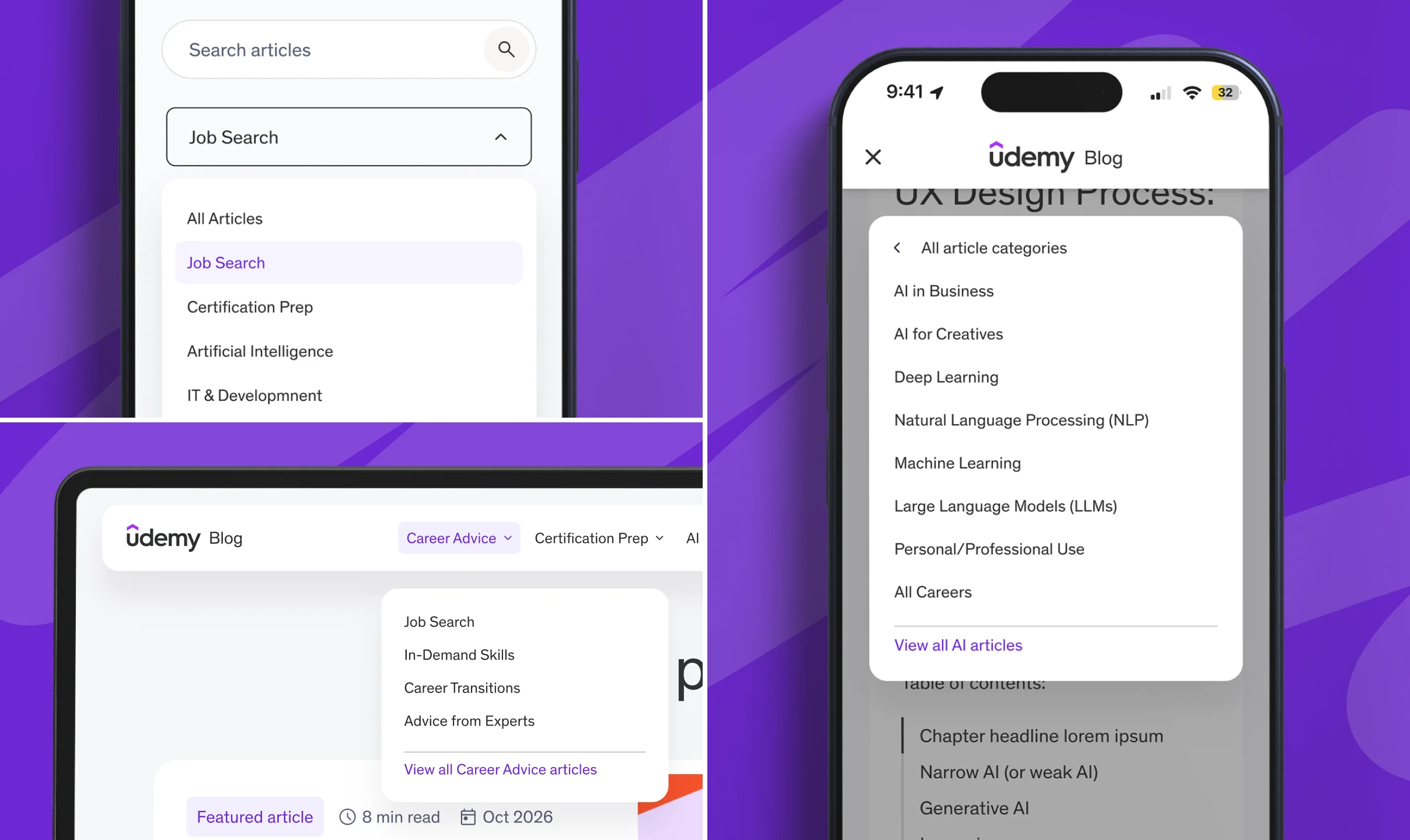
We designed the navigation systems so visitors can reach Udemy’s giant range of expert-level content in just a click or two. Top-level and secondary categories, simple filtering and predictive search help readers find the right topic quickly. Behind the scenes, easy-to-use admin tools let Udemy’s team reorganize categories and content as the library grows, with no developer needed.
The right content, in the right place
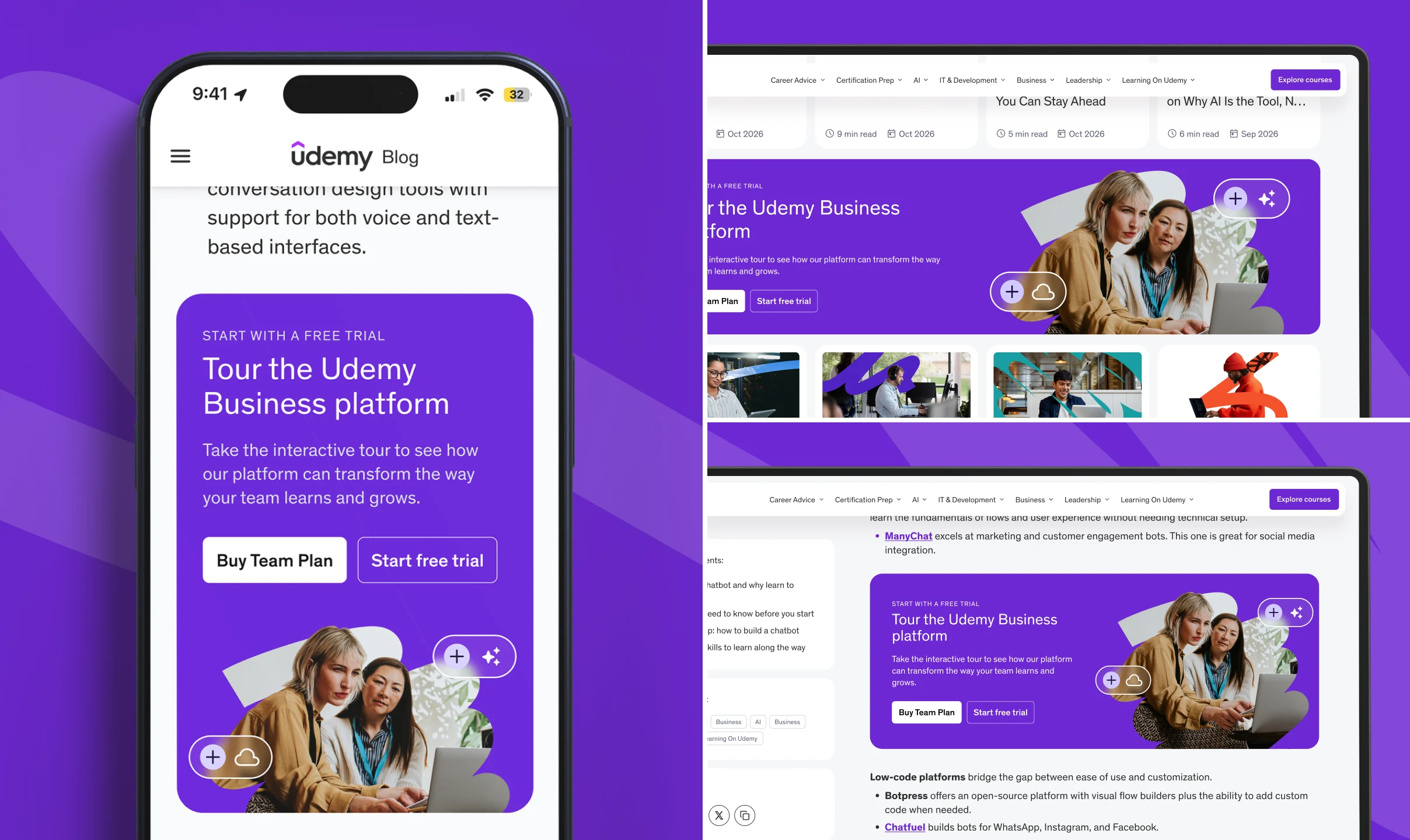
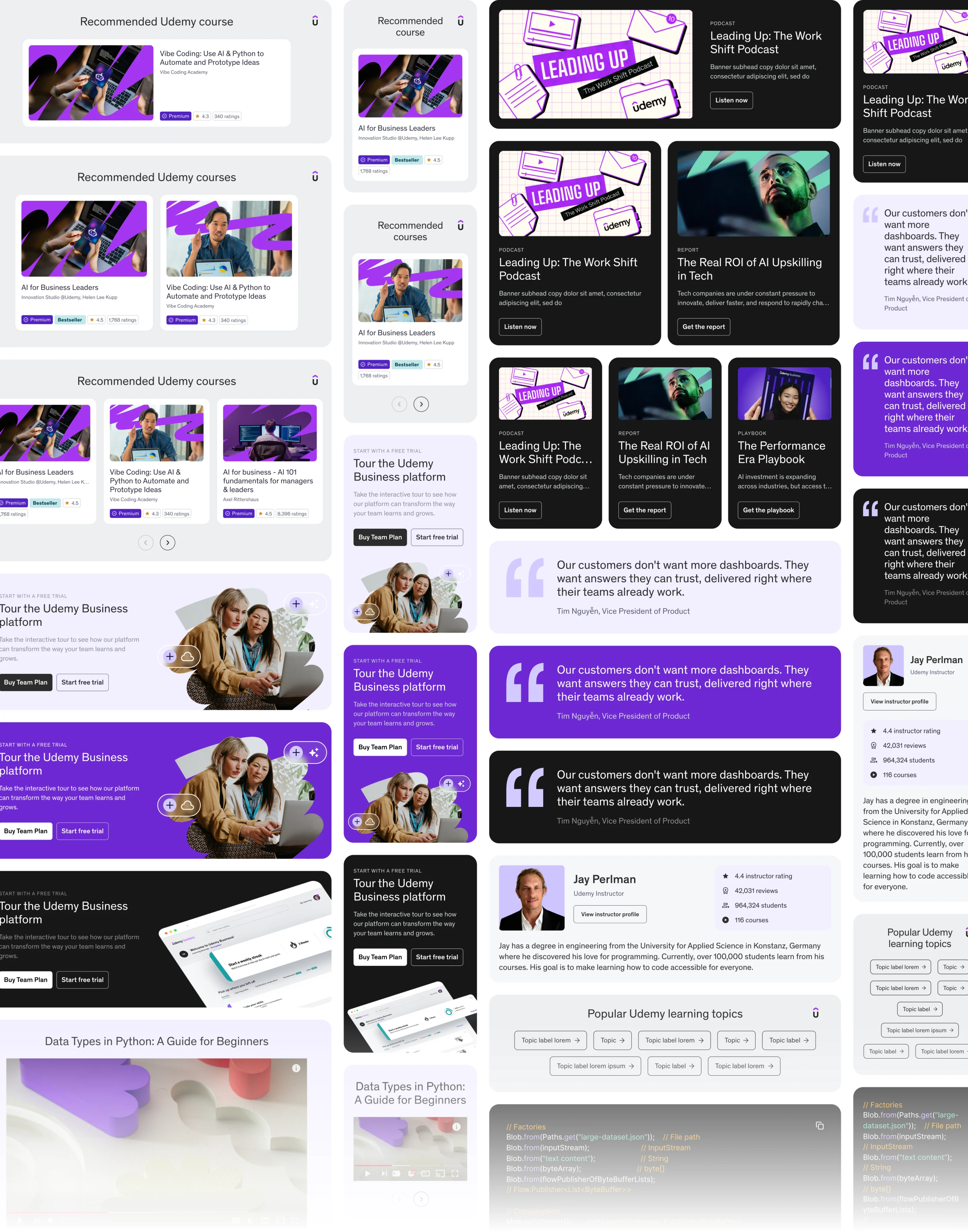
We helped spec and develop a library of custom modules turns every article into a gateway to the Udemy marketplace. They pull from live marketplace data to show relevant courses, marketing assets and thought leaders while readers are most engaged. Built-in logic and easy controls place each module where it’s most likely to turn a reader into a learner. They’re flexible and scalable by design, fitting any amount of content and any screen.
Udemy’s blog went from bottleneck to growth engine in less than 30 days. It now brings new audiences in through search and prompt, sending them on to the marketplace, connecting readers with the courses that move them forward.